Looking at React Native in 2025
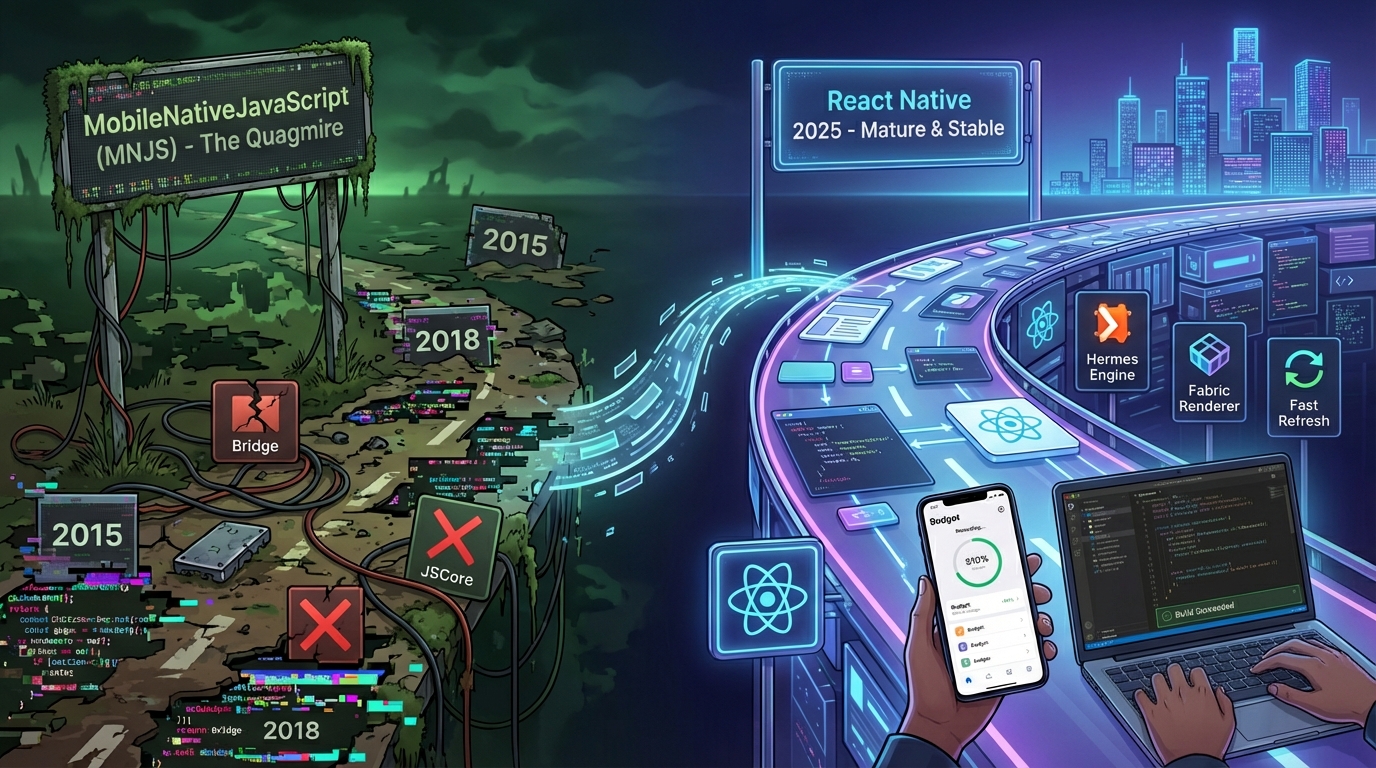
Back in 2015 and 2018 I wrote a small trilogy of posts about NativeScript, React Native, and what I dubbed the "MobileNativeJavaScript" (MNJS) movement. Basically, using JavaScript to build native mobile apps (a term that to my never ending chagrin never took off). At the time I was mostly skeptical: the tooling was fragile, the UI story was awkward, and every framework demo seemed carefully cropped to avoid anything that looked like a real app.
Nearly a decade later, I’ve gone back to React Native for a fresh project built on the current 0.82.1 version, and the experience was vastly different. Before I talk about today, it’s worth quickly recapping where I left things.
Previously on React Native (and friends)
2015: A quick dive into early React Native
A few weeks after looking into NativeScript in 2015 and being disappointed by NativeScript, I took React Native for a spin.
There were some real positives:
- Per‑platform UI with shared business logic. Write separate views for iOS and Android but reuse the logic.
- React’s programming model. The component/state model was fun and expressive.
- Facebook dogfooding. They were shipping real apps with it instead of just demos.
- Fast debug loop. The local dev server and hot reload made iteration feel modern.
But the cons were brutal:
- Immature and rough. Android support was brand new and glitchy; Windows support was basically “good luck.”
- Confusing errors and poor tooling. You could easily end up spelunking through Java or Objective‑C just to figure out what went wrong.
- Styling still lagged native. Getting something that looked as polished as a native screen was harder than it should have been.
- Missing core functionality. You could feel all the pieces that weren’t there yet.
My verdict at the time: interesting technology, but far too early for a production app unless you were Facebook or very brave.
2018: React Native — A tempting quagmire
By 2018 I revisited React Native in a real‑world context: I was contracted to look at a client app that was crashing in production. The codebase was a mix of:
- A team learning both React and React Native at the same time.
- An event bus plus a half‑baked Flux‑style store.
- State violations that only showed up in release builds.
I eventually got the app to a “mostly not crashing” state, but the journey highlighted a few things:
- There was a gap between dev and release builds, bugs that never appeared in dev showed up immediately in release.
- Version drift hurt. Being a few versions behind React Native meant spending time tripping over already‑fixed bugs.
- You still needed native experts. When things went wrong on iOS or Android, you were suddenly deep in native build tooling, Gradle, Xcode, and platform quirks.
The conclusion in that post was pretty blunt:
React Native was an interesting emergent technology (and had improved dramatically in the past 3 years), but not a silver bullet for turning web developers into mobile developers.
If you have a big team of web developers and a healthy mixture of web developers and native experts, and you’re committed to continuous delivery, React Native might have been a good fit. For small shops or small apps, you might have been better off with traditional native or a more mature cross‑platform option.
That’s where I left things: React Native as a promising but swampy quagmire that required a guide, a rope, and a tolerance for mud.
React Native in 2025: the experience is… actually good
Fast-forward to today. I started a new greenfield (built from scratch) app on a modern React Native release (0.82 at the time of writing), and the overall experience feels like a different product.
I built a simple budget app in SlimPHP and Quasar about 7 or 8 years ago (at the time I had been burned by a couple of the budget apps we were using and wanted something that I controlled) that basically allows setting up a bunch of categories, giving each category a budget for each month.
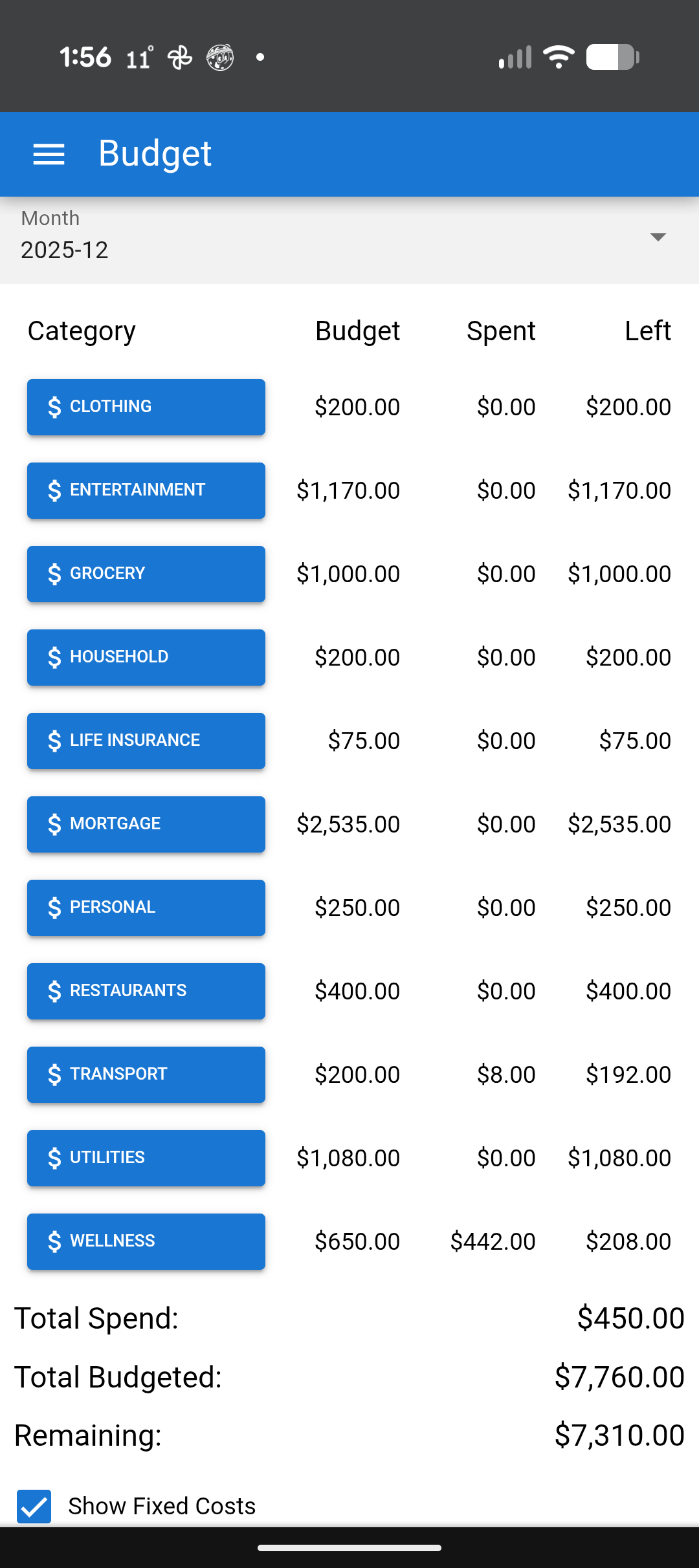
It then allows you to enter your spending by clicking on the category and entering a receipt.
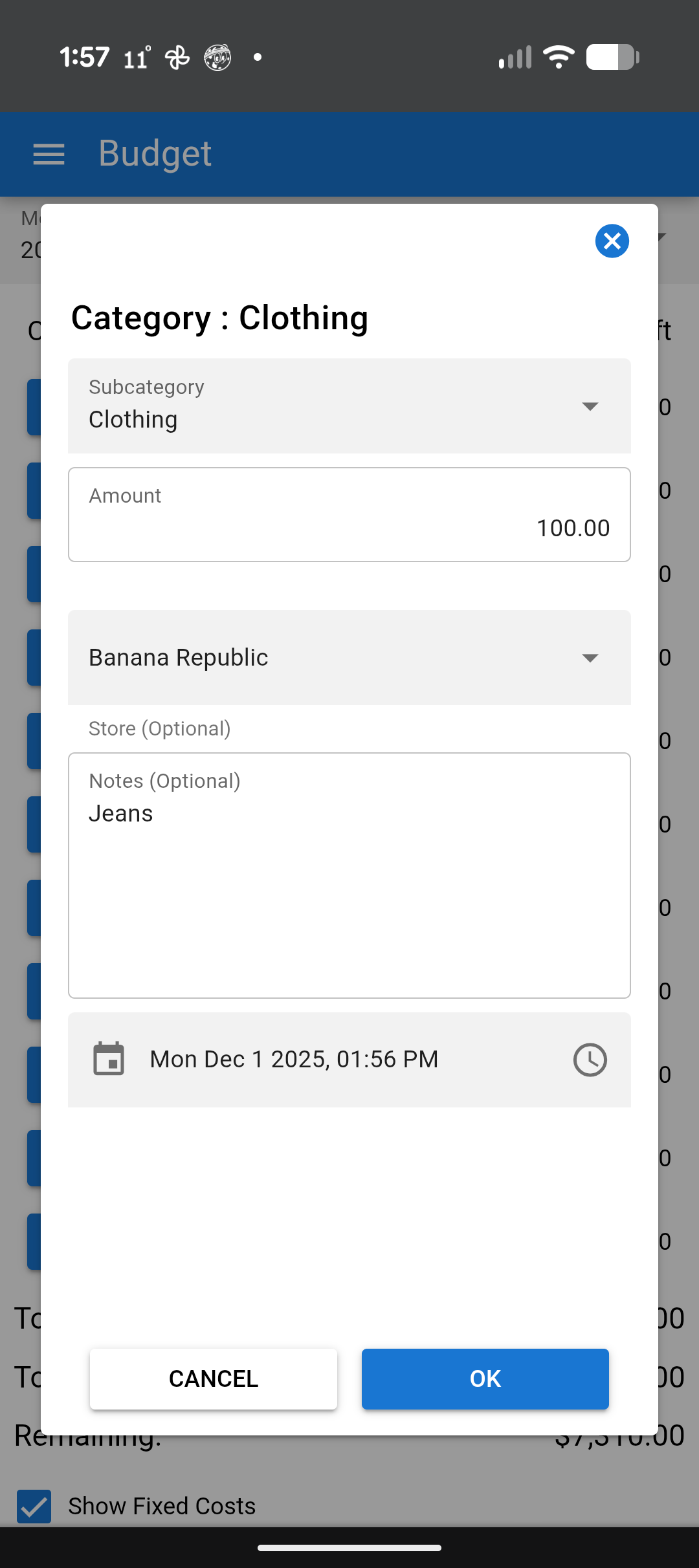
Very simple, but it works for me and my wife and it's really all we need. The main friction point was manual data entry, especially on mobile.
This was clearly something that AI could do, so I tried doing adding it to my quasar app in the browser but fought with audio codec support with the OpenAI Speech To Text API. Even though it claimed to take mp3 and ogg files, I found that I couldn't get it working with anything but an m4a file. I could have moved the conversion of the browsers audio file to the server, but that would have required shelling out to FFMpeg and I really didn't want to do that.
So I thought React Native would be a nice fit for this, I figured there would be a component that supported m4a audio in React Native and having an excuse to build a React Native app was something that I have been itching to do for a while. Following the official React Native getting started guide, and using Expo, I had my basic app up and running in a couple of hours.
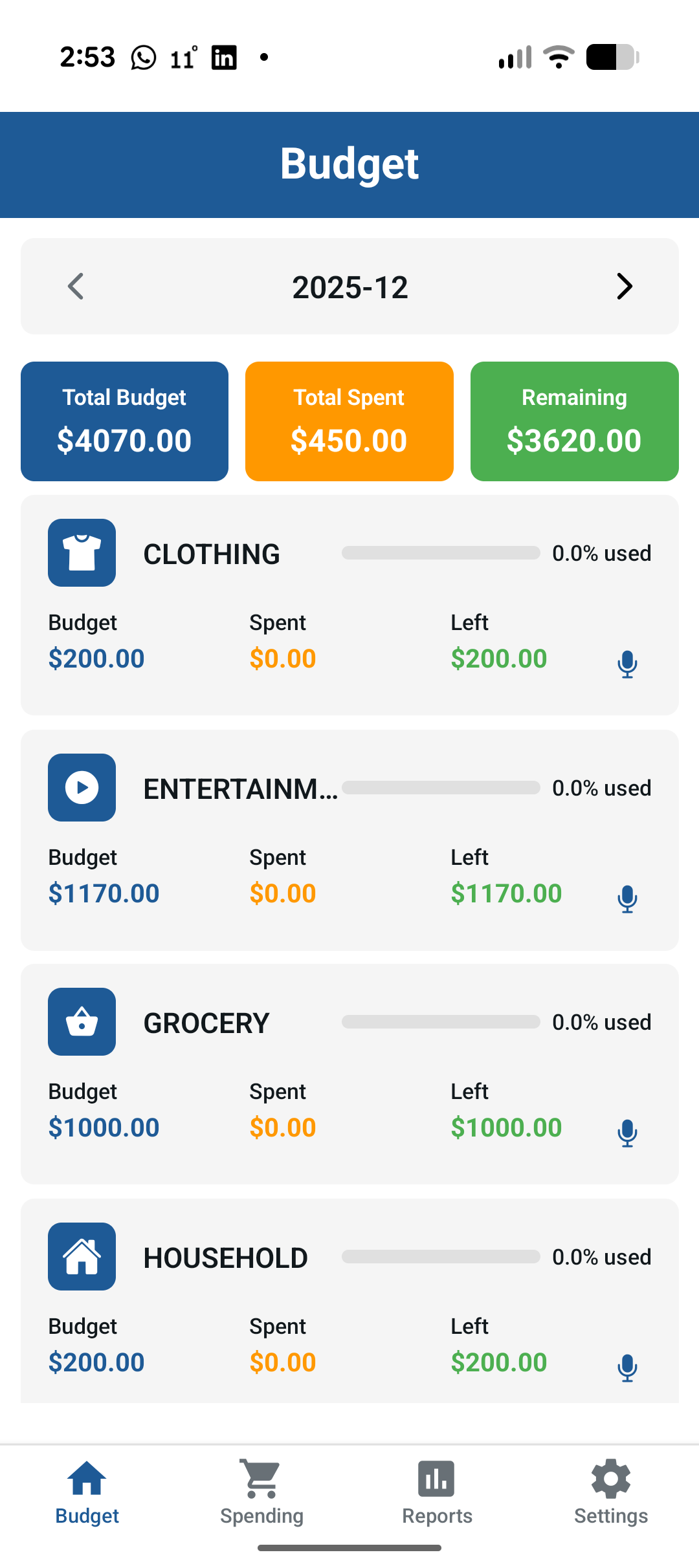
I made it look a little different, giving it a bit more modern look.
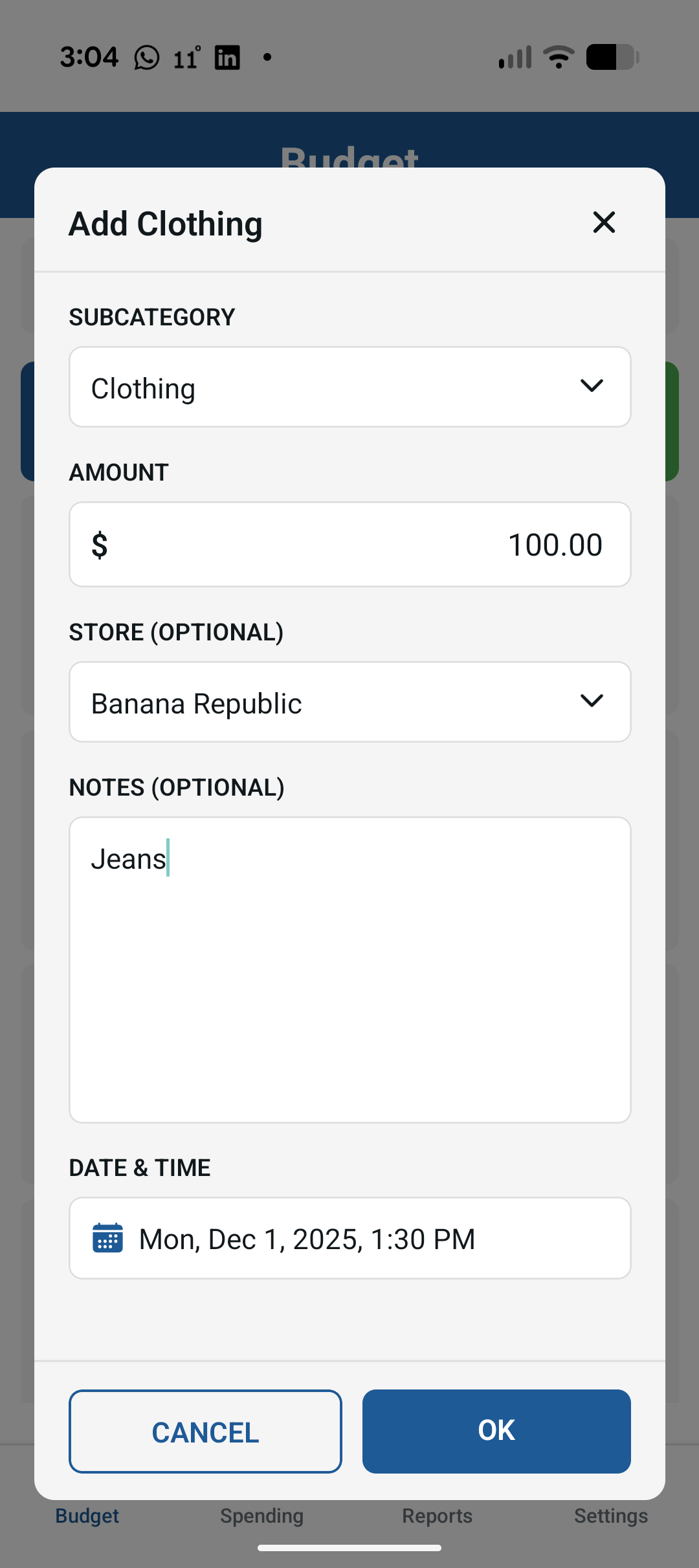
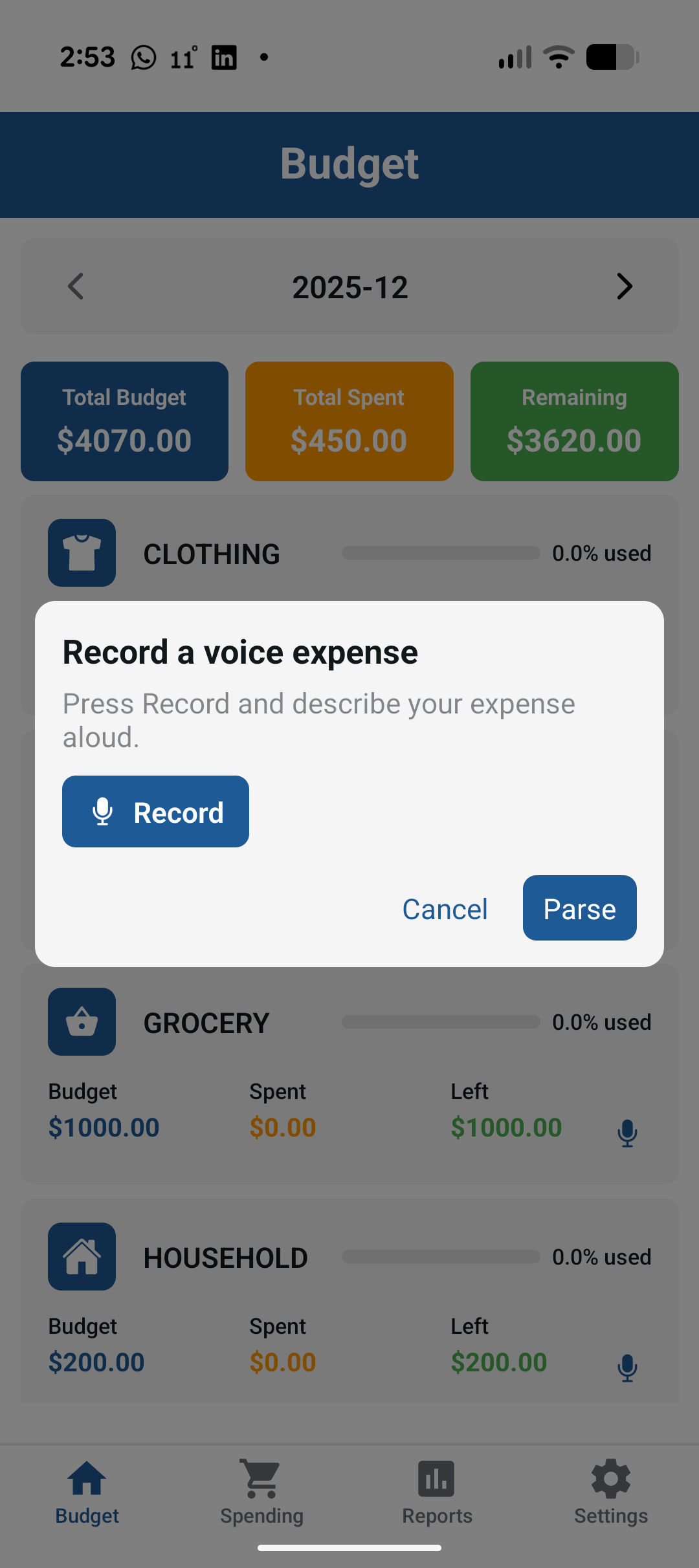
And got the recording, transcribing and AI calling all working on the mobile app.
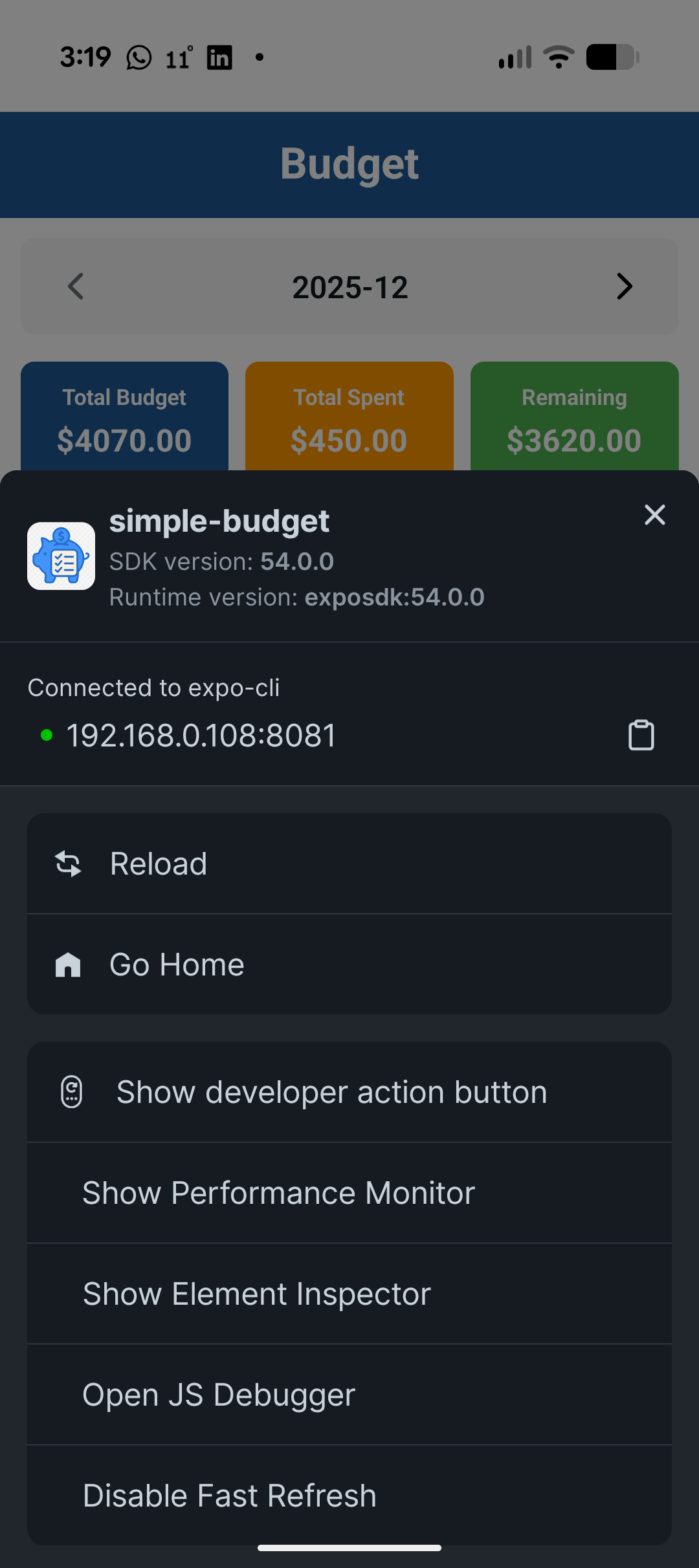
To start development, I was using the Expo Go App on my phone to get development up and started. Expo lets you develop without installing native toolchains having to get native toolchains working. It makes it super easy to build and run the app without touching Android Studio or Xcode or having to figure out how to connect your device to your computer and get it working. First all you have to do is install the Expo Go App on your phone either Android or iOS, and when you run npm run start it generates a QR-Code to scan in the Expo app that allows it to connect to the to the JavaScript code running on your desktop. It does Hot-Reloading (now dubbed Fast-Refresh) so that when you change the code in your IDE if it can it will just update live on the App, but also allows you to quickly reload your app by shaking your phone and selecting "Reload" (see the screenshot below):
You even get access to a pretty good debugger (not all the features work, but it is certainly far better than it was 8 years ago):
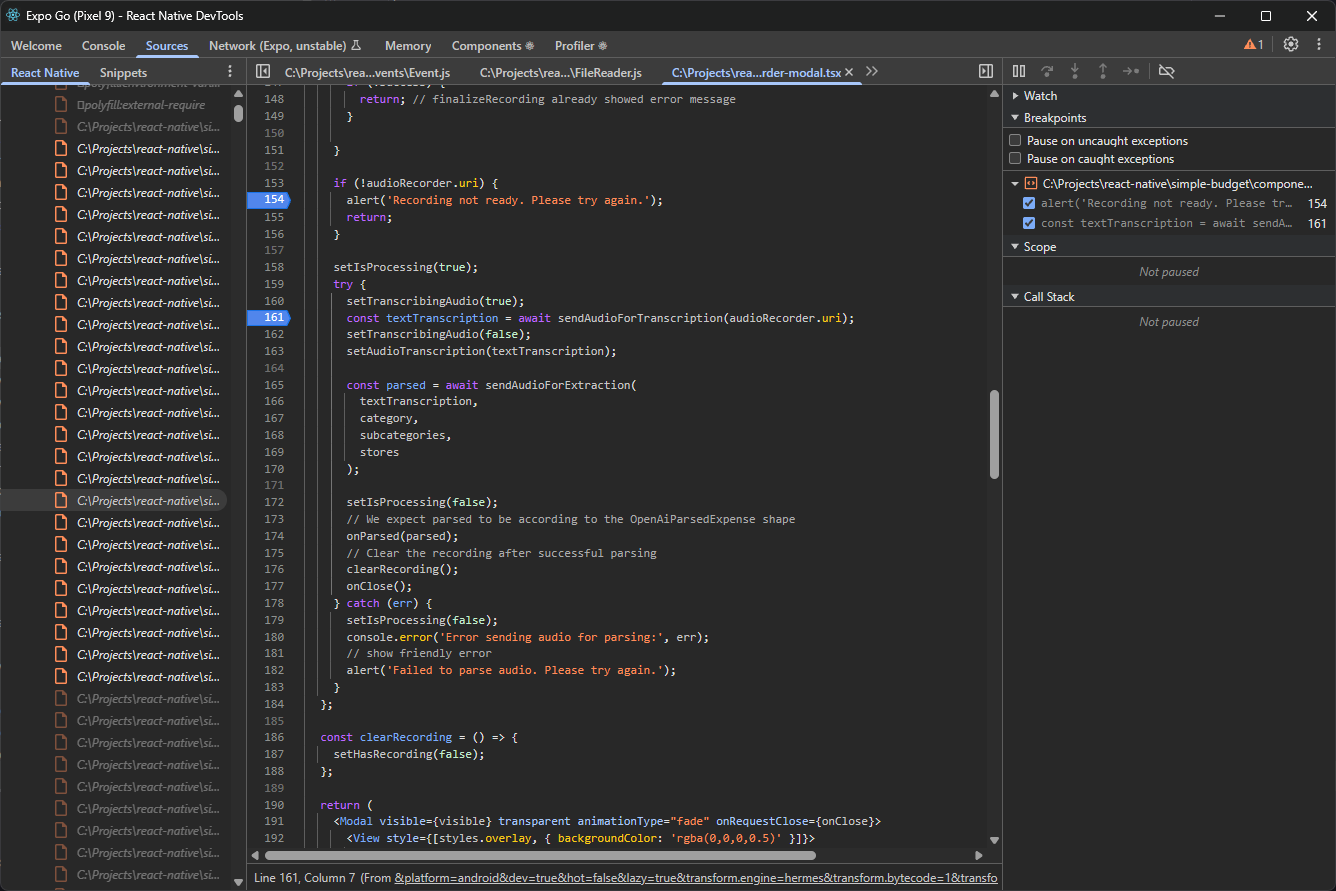
I've also since working on the app discovered (though haven't used much) a couple of other debuggers you can try: Reactotron (a free desktop app for React Native debugging that lets you inspect state, make API calls, and view the network) and Radon (a VS Code extension, free for personal use, that turns VS Code into a React Native IDE with a built-in debugger and inspector). My only real complaints about the React Native DevTools are that the Network panel (marked experimental) didn't seem to work, and the component view is nearly unusable because of the depth of the component hierarchy in React Native (see below):
After I had everything working the way I wanted, I went and made a release version and I expected that there might be a little weirdness and annoyance when compiling or running the release versions (as I had issues with this the last time), but for the most part, almost everything mostly just worked. To be clear, there are three ways to run a React Native app:
- In Expo Go during development running against the metro bundler (the easiest way to get started). Metro is the default bundler for React Native. It watches the TypeScript files, transpiles them via Babel, builds a dependency graph, bundles everything into a Hermes-ready JS bundle, and streams updates over WebSocket for Fast Refresh.
- As a standalone app but still running against the metro server, which still allows for easy development but without need for the Expo App. You will loose access to some of the Expo App features like the shake to get the developer menu.
- As a fully standalone app with all the JS bundled in. This is the release version that what will submit to the App Store or Google Play.
My only real issue I had between the development versions and the release versions was that in Expo App the KeyboardAvoidingView seemed to work for my Expense Entry modal (this is a React Native Component that you wrap around other components to ensure that the text fields are visibile when the keyboard is activated), but when running the Apps code in either as a standalone app (rather than Expo) it looked like this:

The KeyboardAvoidingView component does appear to work, just not with the modal implementation I used. This may be due to the new Fabric rendering system, but whatever was the cause I found I had to manually resize the modal to ensure the text input would show on screen. It took a while to get it to get rendering properly (because of course it did), but once I figured it out it worked fine.
Now, with the caveats that this is was a greenfield project, and a relatively simple let's look at my new takeaways from this latest experience with React Native.
TypeScript by default, not as an afterthought
One of the biggest quality‑of‑life improvements is that TypeScript just works out of the box, it became the default almost 3 years ago (in React Native 0.71). There’s no tedious setup (no ‘yak-shaving’ required to configure Babel, Metro, etc.)..
- New projects initialize cleanly with TS support (In 2015/2018, adding TypeScript to React Native meant extra configuration and dealing with potentially out-of-date third-party type definitions).
- The default templates assume you want types, and the ecosystem (libraries, examples, docs) has caught up.
- Between modern React, React Native, and TypeScript, you can build a reasonably complex app with type safety and a clear mental model without a weekend of configuration first.
- I kind of wish it used Biome.js my preferred linter, rather than eslint but maybe that will come in the future.
Stability: no more “white screen of mystery”
In my earlier posts, I spent a lot of time talking about crashes, mysterious white screens, and the gulf between debug and release builds. Many stability improvements have come from under-the-hood changes. React Native now uses the Hermes JavaScript engine by default (on both Android and iOS), which improves performance and reliability (fewer out-of-memory crashes, faster startup). Back in 2018, RN relied on the generic JSCore engine with quirks that sometimes led to those “white screens” on errors. Hermes has reduced app launch times and memory usage, contributing to a smoother experience. The New Architecture (Fabric and TurboModules) was made the default in 2024, this new architecture replaces the old Bridge, enabling more direct and synchronous communication between JS and native code. The result is not only performance gains (smoother UI, 60fps animations) but also fewer edge-case bugs.
On this new project:
- The app has been remarkably stable during development, I have had no crashes that weren't caused by actual bugs.
- Release builds behave much closer to dev builds than they used to (Expo is a total winner for time productivity too).
- I haven’t had to do the old “gradlew clean and sacrifice a goat” routine nearly as often (getting things building on Xcode was a bit of a bear, but Xcode is always a bear so I won't blame React Native for that).
It is quite clear that React Native itself has matured and improved greatly in the last 7 years.
Debugging: script debugger that mostly does what you expect
The debugging story is not perfect, but it’s years ahead of what it was in 2018.
- The JavaScript debugger works pretty well now for the common case of stepping through app logic.
- Breakpoints, call stacks, and basic inspection are good enough that you don’t dread wiring it up.
- The Network tab is still labeled "unstable," and it earns that label. I never saw a network call in it.
- The components tab is a bit overwhelming to navigate due to the deeply nested component hierarchy. I don't really know what could be done here except being able to mark sections of components as Black Box to be ignored.
It’s not as smooth as debugging a web React app in Chrome, but it’s far better than the “hope and console.log” era.
So… is React Native out of the quagmire?
Compared to where I was in 2015 and 2018, my answer today is surprisingly positive.
If you’re starting a mobile app fresh in 2025 and you already live in the React + TypeScript world, React Native finally feels like a pragmatic default rather than a risky experiment.
You still can build separate UIs for iOS and Android when it matters, but the default path no longer pushes you into maintaining two divergent codebases. Almost all of the UI in my little budget app are shared, with only the occasional platform-specific tweak (and those came from the original Expo skeleton app), which dramatically cuts down on duplication and mental overhead.
The economic story is stronger now too. If you don’t have the budget to staff full native teams for both iOS and Android, React Native lets you ship a credible, modern app without duplicating the work and having two completely different codebases to maintain (and potentially two different apps to have to support Customers with, if there are differences in the iOS and Android app appearance or functionality). And if you already have a React-heavy web app, you can bring in developers who know your product and React, rather than starting from scratch with purely native specialists.
On this project I barely had to touch the native layers at all. I had to go in and change some Gradle settings but this was because I built the app before realizing I had to change the app.json to give it a proper package name), but I never had to dive into Swift, Kotlin, or Xcode project files to get core functionality working. For a simple app, that's a huge change from 2015/2018. For anything truly complex I'd still want real mobile developers involved. You may need fewer of them, and you can lean more on people who understand your domain and business logic.
The rough edges aren’t gone: the component tree is still noisy, the debugging tools still have their quirks, and you can’t completely ignore iOS/Android realities. But the day-to-day experience has shifted from “tempting quagmire” to “this is actually a nice, sustainable way to build a mobile app.”
React Native finally feels like something I'd recommend to past-me. The guy who wrote those skeptical MNJS posts a decade ago.